Smart search
Smart search: find ministerial questions by text or photo
Smart search compares a question you type or photograph with the ministerial question archive and returns the closest matches, with their year and chapter. It tells you whether a question you saw in the book or in class has come up in a ministerial exam before.
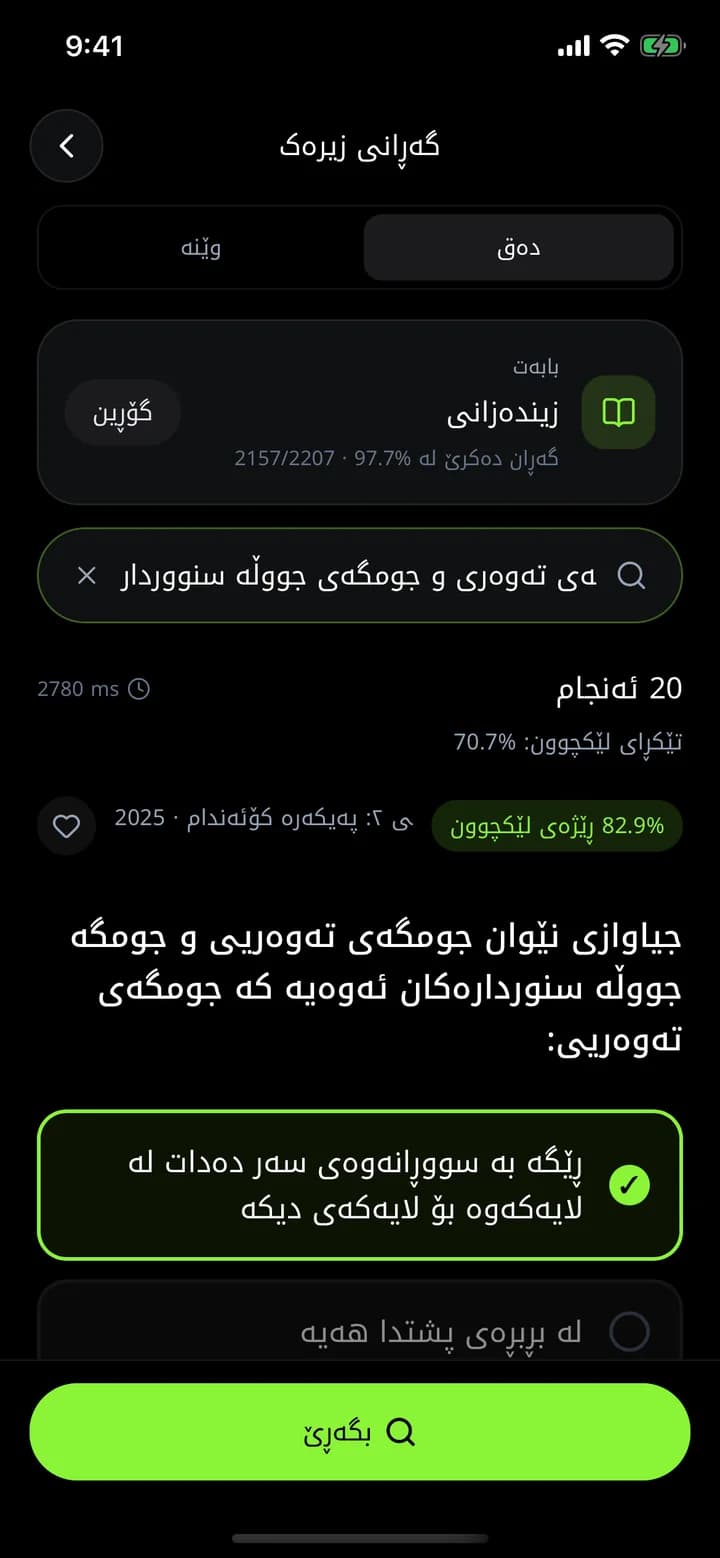
What you get
By photo
Tap the camera in the home search bar and photograph the question.
By text
Type part of the question; it doesn't have to match word for word.
Similar, not just identical
Results are ranked by similarity and show how close each match is.
Straight to the explanation
Every result has "Explain" and "Similar questions" buttons.
How it works
- 1
Open smart search and choose a subject.
- 2
Type the question or take a photo.
- 3
See the most similar ministerial questions.
- 4
Answer them or read the explanation.
Frequently asked questions
Can I photograph a question from my textbook?
Yes. Take the photo and Azmoon finds the most similar ministerial questions.
Related features
AI explanations
For every ministerial question in Azmoon, see step by step why the answer is right and why the other options are wrong, with real formulas and similar questions.
Learn moreMinisterial question archive
34,000+ grade 12 questions from past Kurdistan Region ministerial exams, by subject, year, exam round and chapter. Practise like the real exam, with AI explanations.
Learn moreAI tutor
Type a question or snap a photo and ask Azmoon's AI tutor about math, physics, chemistry, biology or English, with follow-ups and practice questions.
Learn more
This year is your year
Download Azmoon and look around before you create an account.